Guides
Jellyfin Hardware Transcoding with Intel QuickSync
Turn on QuickSync hardware transcoding in Jellyfin on Docker. Device passthrough, permissions, the settings that actually matter, and how to prove it is working.
Plex Media Server on a Mini PC: Complete Setup Guide
Run Plex on a low-power mini PC with Docker. Full Compose config, hardware transcoding setup, remote access, and an honest look at what Plex Pass actually costs.
Homelab Disaster Recovery: How to Get Everything Back When It Breaks
Backups are the easy half. This is the restore half: a recovery runbook, tiered priorities, bare-metal Proxmox rebuild, and the drill that proves it all actually works.
Vaultwarden for Families: Share Passwords With Organizations and Collections
Stop sharing a login over text. Set up Vaultwarden organizations and collections so your household shares the passwords it should, and nothing it shouldn't.
ntfy Setup: Self-Hosted Push Notifications for Your Homelab
Run your own push notification server with ntfy. Send alerts from any script or service straight to your phone, with authentication on from the first boot.
Self-Hosted Internet Speed Monitor: Track Your ISP Without a Third-Party Service
Run Speedtest Tracker in Docker to log your real download, upload, and latency every hour, then pair it with Uptime Kuma so you have proof when your ISP says the line is fine.
Homelab Email Notifications: Alerts From Uptime Kuma, Proxmox, and Docker
Get one inbox that tells you when a service goes down, a backup fails, or a container updates. Free email alerts from Uptime Kuma, Proxmox, and Docker using a Gmail app password.
Syncthing for Homelab: Sync Files Between All Your Devices
Scale Syncthing past one laptop. Real folder-sharing strategy, versioning, and per-device ignore patterns for a mesh of laptops, phones, and a homelab server.
Homelab Automation: Scheduled Backups, Updates, and Monitoring
Set your homelab to back itself up, update its own containers, and tell you when something breaks. A practical automation stack using cron, Watchtower, Proxmox vzdump, and Uptime Kuma.
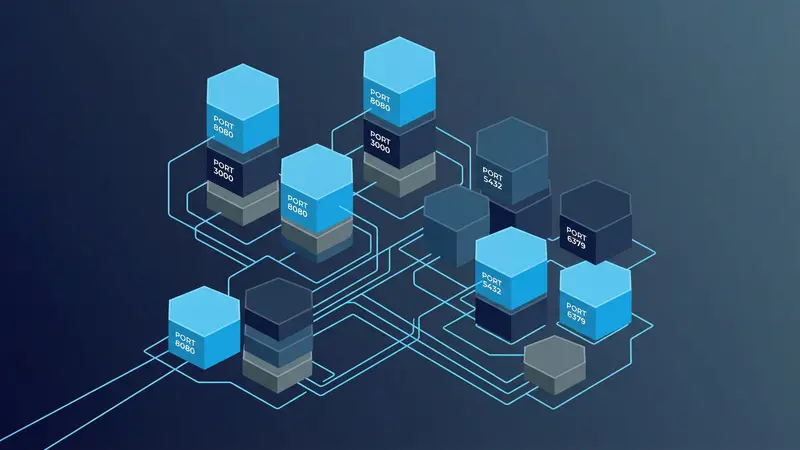
Self-Hosting Immich + Syncthing: Auto-Backup Your Phone Photos
Combine Immich and Syncthing for bulletproof phone photo backup. Get a plain-file copy of your camera roll on your server AND a searchable Immich timeline, with no cloud and no subscription.
How to Create a Proxmox LXC Template for Docker
Build a reusable Proxmox LXC template preconfigured for Docker. Cuts new Docker-host setup from 30 minutes to 30 seconds, with the kernel module and apparmor settings that actually make it work.
Running a Local AI with Ollama on Your Homelab
Set up Ollama on Docker to run large language models locally (Llama 3, Mistral, Gemma, and more), with a web UI for chatting and an API for integrations.
How to Self-Host an LLM at Home in 2026 (Ollama + Open WebUI on a Mini PC)
Run a private, offline ChatGPT alternative on your own hardware for $0/month in ongoing subscription costs. No GPU required. Full setup from hardware selection through first conversation.
Proxmox Beginner's Guide: VMs, LXC, and Your First Self-Hosted Service
A plain-English walkthrough of how Proxmox actually works: VMs vs. containers, the web UI, storage, networking, and how to run your first self-hosted service without breaking anything.
Nextcloud AIO: Self-Hosted Google Drive Alternative
Set up Nextcloud All-in-One on Docker for file sync, photo backup, calendar, contacts, and office document editing, all on your own server.
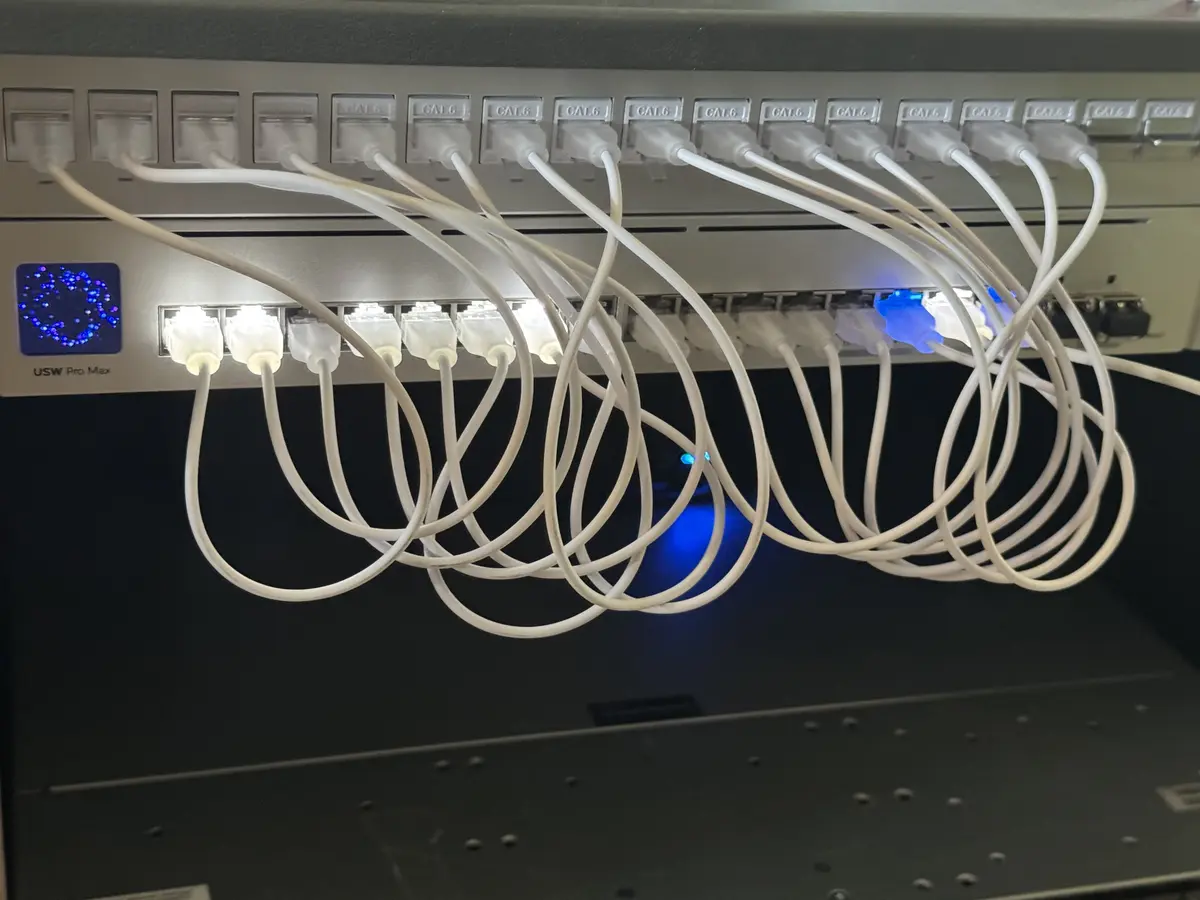
How to Set Up Pi-hole or AdGuard Home for Network-Wide Ad Blocking
Compare Pi-hole and AdGuard Home, then set up whichever fits your homelab. Full Docker Compose configs, DNS integration, and blocklist recommendations.
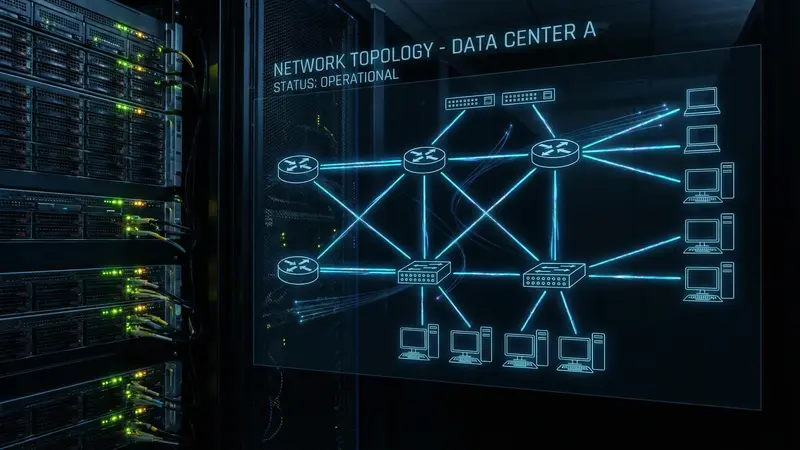
WireGuard VPN Server: Self-Hosted Remote Access
Set up a WireGuard VPN server on Docker using wg-easy for a clean web UI, then connect your devices for secure remote access to your homelab.
Grafana + Prometheus Monitoring for Your Homelab
Set up Prometheus to collect metrics and Grafana to visualize them: CPU, memory, disk, and container stats across your entire homelab.
Self-Hosting Jellyfin: Complete Media Server Setup Guide
Set up Jellyfin on Docker with hardware transcoding, organize your library, and access it from any device. Full walkthrough with working Docker Compose config.
Portainer: Docker Management UI Setup Guide
Install Portainer to manage your Docker containers, stacks, volumes, and images through a web interface instead of the command line.
Watchtower: Auto-Update Your Docker Containers
Use Watchtower to automatically keep your Docker containers updated to the latest image versions, with notifications and scheduling options.
Immich vs Google Photos: Self-Hosted Photo Backup That Actually Works
Set up Immich on Docker to replace Google Photos. Face recognition, mobile backup, timeline view, all on your own hardware. Full Docker Compose walkthrough.
Pi-hole DNS Ad Blocking: Complete Setup Guide
Set up Pi-hole on Docker to block ads and tracking at the DNS level across your entire network. No browser extensions, no per-device setup.
Uptime Kuma: Dead-Simple Monitoring for Your Homelab
Set up Uptime Kuma on Docker to monitor every service in your homelab, get instant alerts when something goes down, and publish a status page.
Netdata Setup: Real-Time System Monitoring in Minutes
Netdata gives you per-second system metrics, automatic anomaly detection, and 2,000+ pre-built charts, all without writing a single config file.
How to Set Up Paperless-ngx With Docker (Go Paperless in an Afternoon)
Install Paperless-ngx with Docker Compose, configure OCR and automatic tagging, and set up an inbox folder that processes documents automatically.
Duplicati Backup Setup: Encrypted, Automated Homelab Backups
Duplicati backs up your homelab data to local storage, a NAS, or cloud storage, encrypted and deduplicated. Here's how to set it up and what to actually back up.
Mealie Recipe Manager: Self-Host Your Recipes With This Docker Setup
Install Mealie with Docker Compose, import recipes from any URL, and set up meal planning with a self-hosted recipe manager that actually works.
Syncthing Docker Setup: Free File Sync Without the Cloud
Set up Syncthing in Docker in under 10 minutes. Sync files between your laptop, phone, and homelab server. No Dropbox, no subscription, no data on someone else's server.
How to Set Up a Local DNS Server With Technitium (Ditch the Router DNS)
Run Technitium DNS in Docker to get internal hostnames, ad blocking, and split DNS for your homelab. No more IP addresses in your browser.
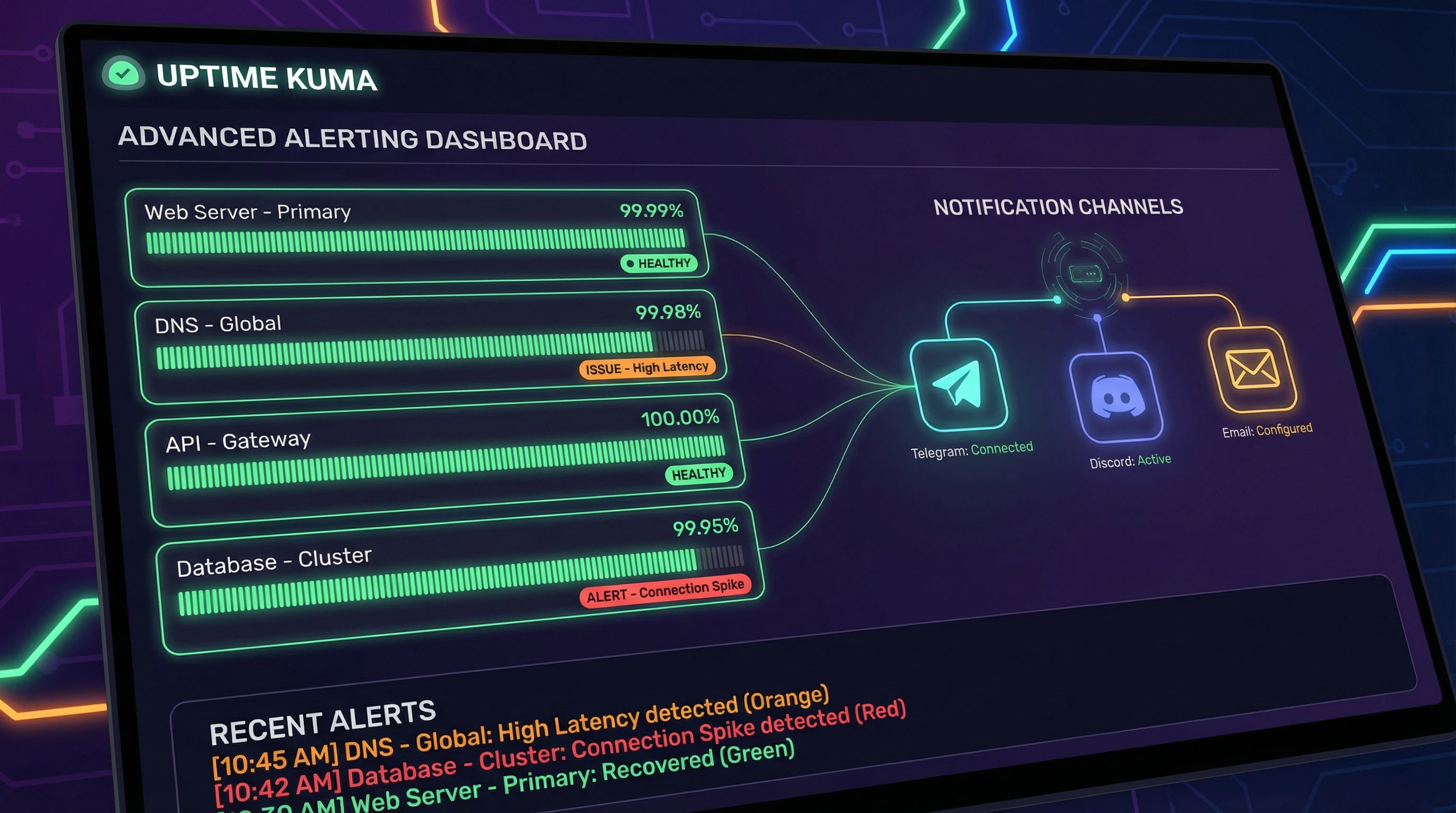
Uptime Kuma Advanced Alerting: Notifications, Status Pages, and API Monitors
Go beyond basic HTTP checks. Configure Uptime Kuma to alert on response time, SSL expiry, keyword presence, and send notifications to Discord, Telegram, or email.
How to Set Up Nginx Proxy Manager With Docker (Complete Guide)
Install Nginx Proxy Manager with Docker Compose, add your first proxy host, and get HTTPS working for every service on your homelab.
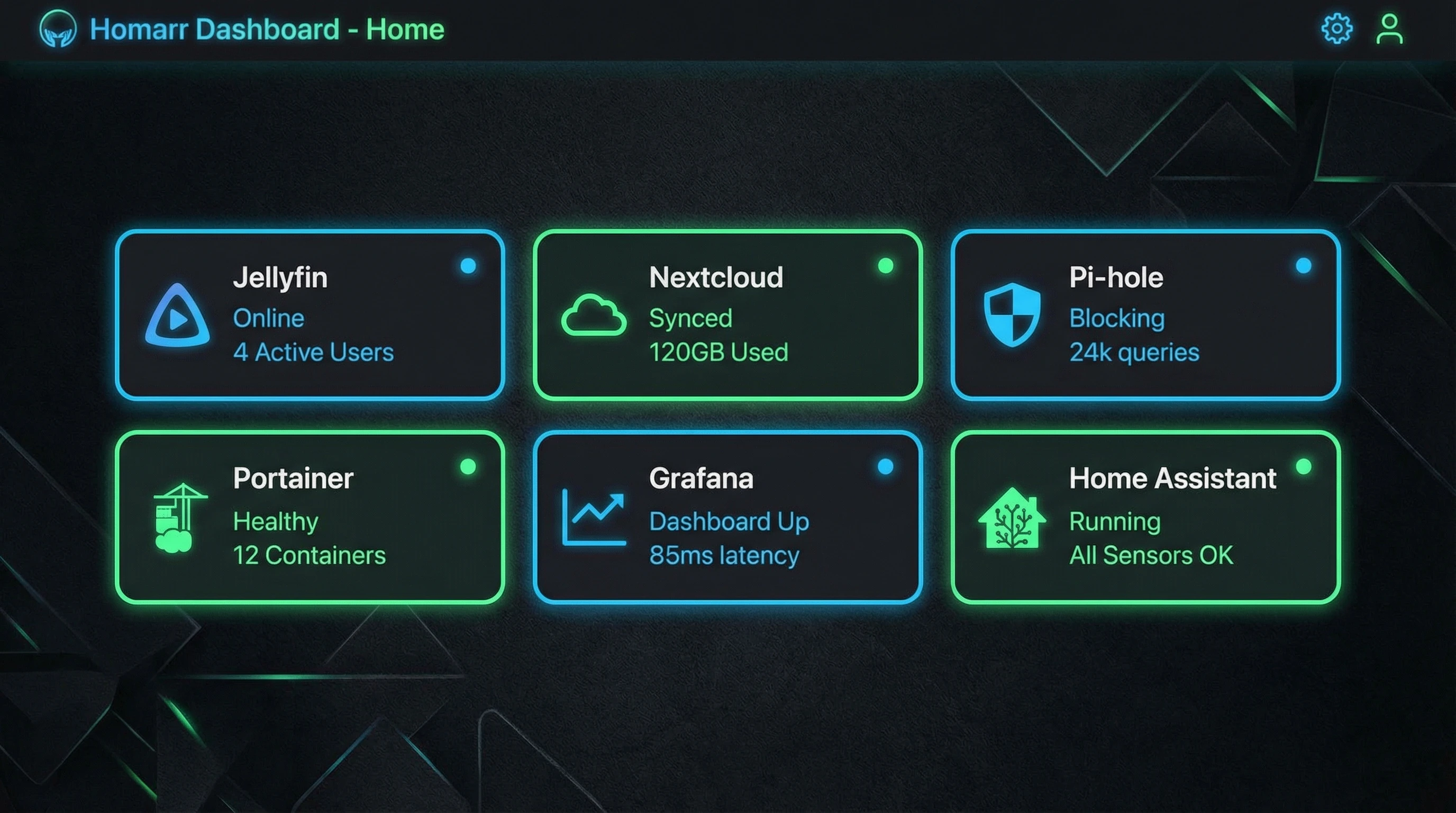
Homarr Dashboard Setup: Your Homelab's Front Page
Homarr is a clean, modern homelab dashboard that integrates with your services, shows real-time stats, and gives you a single page to launch everything from.
Docker Compose for Beginners: Organizing Your Home Server the Right Way
How to write Docker Compose files, organize your homelab services, manage environment variables, and keep everything maintainable long-term.
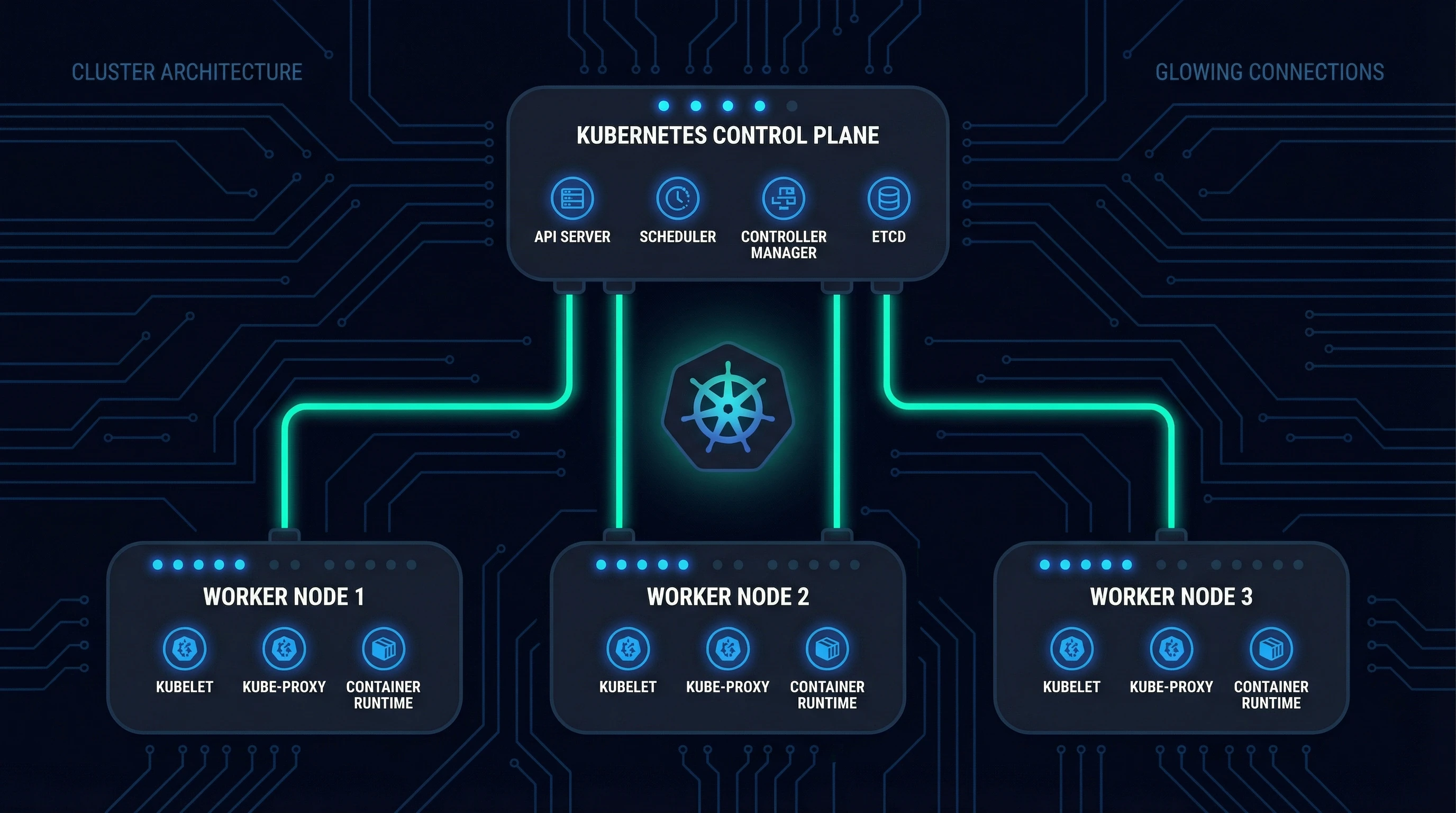
K3s on Proxmox: Kubernetes Cluster Setup Guide
Run a lightweight Kubernetes cluster on Proxmox VMs. This guide walks through VM prep, K3s installation, kubectl access, and your first deployment.
Ghost: Self-Hosted Blogging Platform Setup
Deploy Ghost on Docker for a clean, fast self-hosted blog or newsletter platform with membership support, built-in SEO, and a polished editor.
Self-Hosted Documents Workflow: Paperless-ngx + the Right Scanner
The 'now what?' guide for Paperless-ngx. Pick a document scanner that actually works with it, set up your consume folder, and build a workflow that runs in under 30 seconds per document.
Gitea: Self-Hosted Git Server on Docker
Set up Gitea on Docker for a self-hosted GitHub alternative: code hosting, issue tracking, pull requests, and CI/CD pipelines on your own server.
FreshRSS: Self-Hosted RSS Reader Setup
Deploy FreshRSS on Docker to follow blogs, news, and podcasts through a single self-hosted feed reader, with multi-device sync and app support.
Linkwarden: Self-Hosted Bookmark Manager Setup
Deploy Linkwarden on Docker to save, organize, and archive web pages, with full-page screenshots, PDF snapshots, and tag-based organization.
Stirling PDF: Self-Hosted PDF Toolkit Setup
Deploy Stirling-PDF on Docker to merge, split, compress, convert, and edit PDFs without uploading files to third-party websites.
Articles
BookStack vs Outline vs Wiki.js: Which Self-Hosted Wiki for Your Homelab?
A self-hosted wiki comparison for homelabs: BookStack, Outline, and Wiki.js, judged on what they actually cost you in dependencies, RAM, and setup time.
Homepage vs Glance: The Dashboard I Run vs the One I'm Still Testing
A homelab dashboard comparison: Homepage, my daily driver wired into my whole stack, versus Glance, the newer tool I spun up to evaluate but haven't switched to.
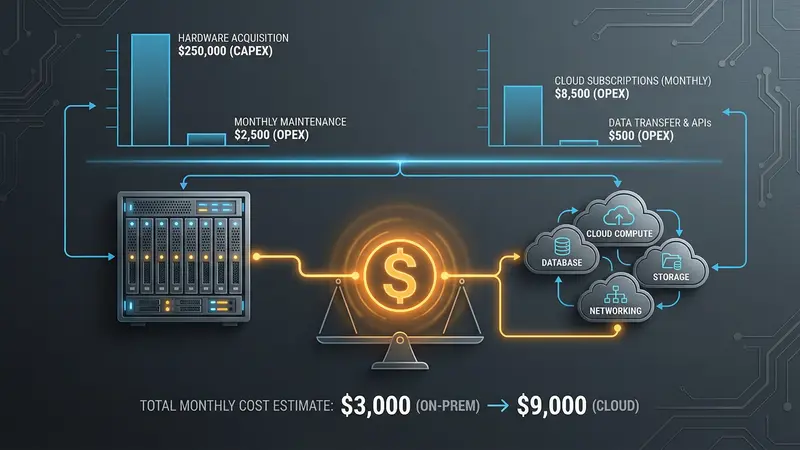
My Homelab Stack: Everything I Actually Run (and What It Costs)
A full tour of my budget homelab stack: the hardware, every service I run grouped by job, and the real monthly cost breakdown with numbers.
Best Self-Hosted Password Managers in 2026 (Vaultwarden vs KeePassXC vs Passbolt vs Bitwarden)
Comparing the top self-hosted password managers: Vaultwarden, KeePassXC, Passbolt, and official Bitwarden. Tested on real homelab hardware.
Portainer vs Dockge vs CLI: Managing Docker Containers in Your Homelab
A practical comparison of the three ways to manage Docker in a homelab: Portainer, Dockge, and the plain command line. Which one to pick based on how you actually run your stack.
Self-Hosting Immich: How iCloud 'Optimize Storage' Silently Wrecks Your Photo Backup
Running Immich for photo backup? iCloud Optimize Storage can quietly back up 3MP thumbnails instead of originals. How to audit your library and fix it.
WireGuard vs Tailscale: Which Remote Access Solution for Your Homelab?
A direct comparison of WireGuard and Tailscale for homelab remote access. Which one to run based on your setup, your patience for configuration, and how often you actually need to get in.
Nginx Proxy Manager vs Caddy vs Traefik: Which Reverse Proxy for Your Homelab?
A direct comparison of the three most common reverse proxies for self-hosting. Which one to pick based on how you actually run your homelab.
Plex vs Jellyfin: Which Should You Self-Host?
An honest comparison of Plex and Jellyfin for self-hosted media: where each one wins, where each one loses, and which to pick for your homelab.
Homelab Backup Strategy: 3-2-1 Without the Hassle
A practical backup strategy for your homelab that actually gets done: what to back up, where to put it, and how to automate it without overcomplicating it.
Best Self-Hosted Apps for Beginners: Start With These 5
The five best apps to self-host first, chosen for low complexity, high value, and real impact on your privacy and monthly bill.
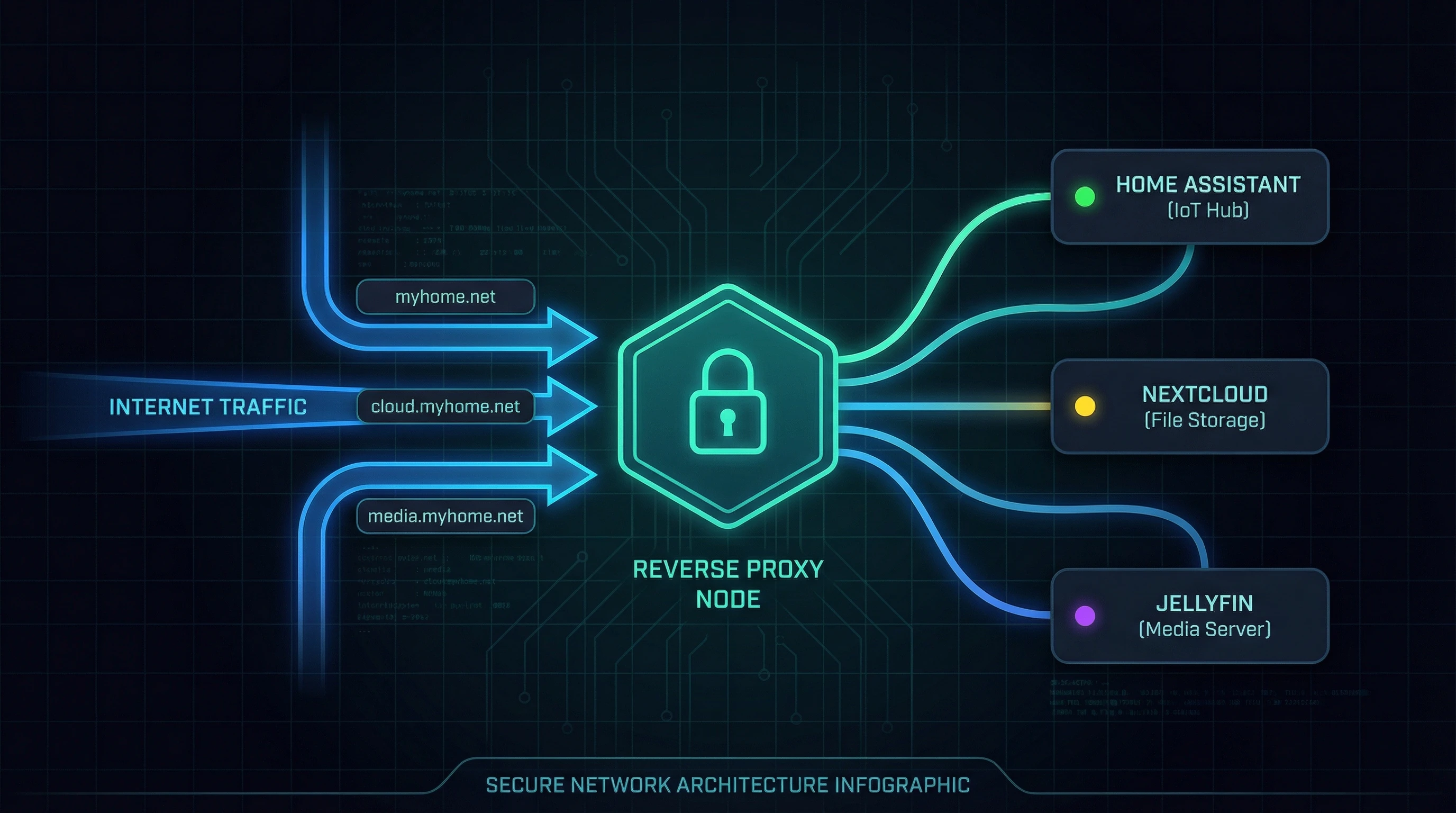
Why Your Homelab Needs a Reverse Proxy
A reverse proxy puts your services behind a single entry point with HTTPS and clean domain names. Here's why it matters and how to set one up with Nginx Proxy Manager or Caddy.

Setting Up a VPN Kill Switch for Your Homelab
A VPN kill switch blocks all traffic if the VPN connection drops. Here's how to implement one for specific containers or your whole server, and why it matters.
Running Kubernetes at Home: Is K3s Worth It?
K3s makes Kubernetes small enough to run on a Raspberry Pi. But should you? Here's an honest take on when home Kubernetes makes sense and when Docker Compose is the better call.
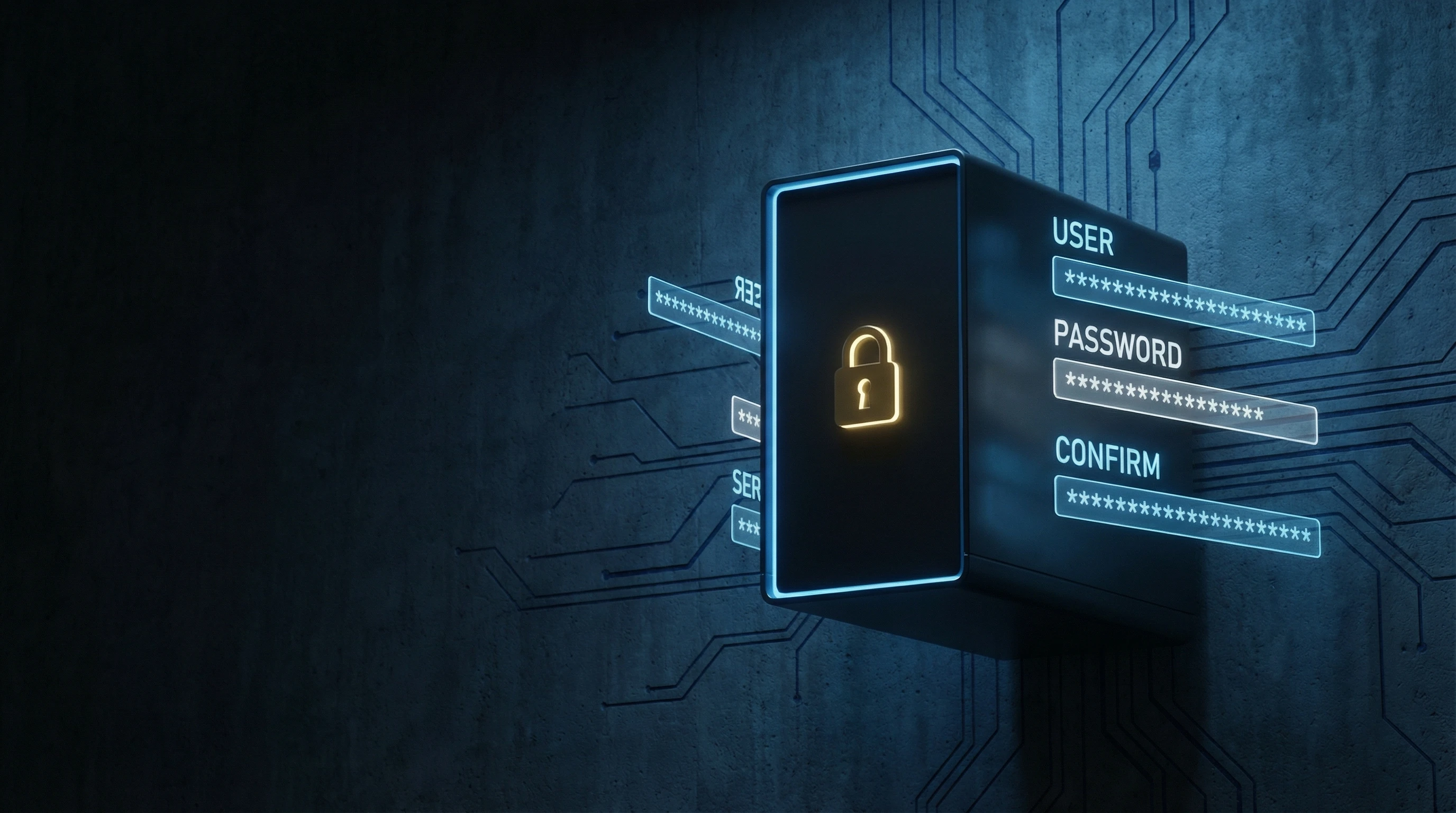
Self-Hosting Your Password Manager: A Vaultwarden Deep-Dive
Vaultwarden is a self-hosted Bitwarden server that runs on almost nothing. The full setup walkthrough, backup strategy, and honest trade-offs before you trust it with your passwords.
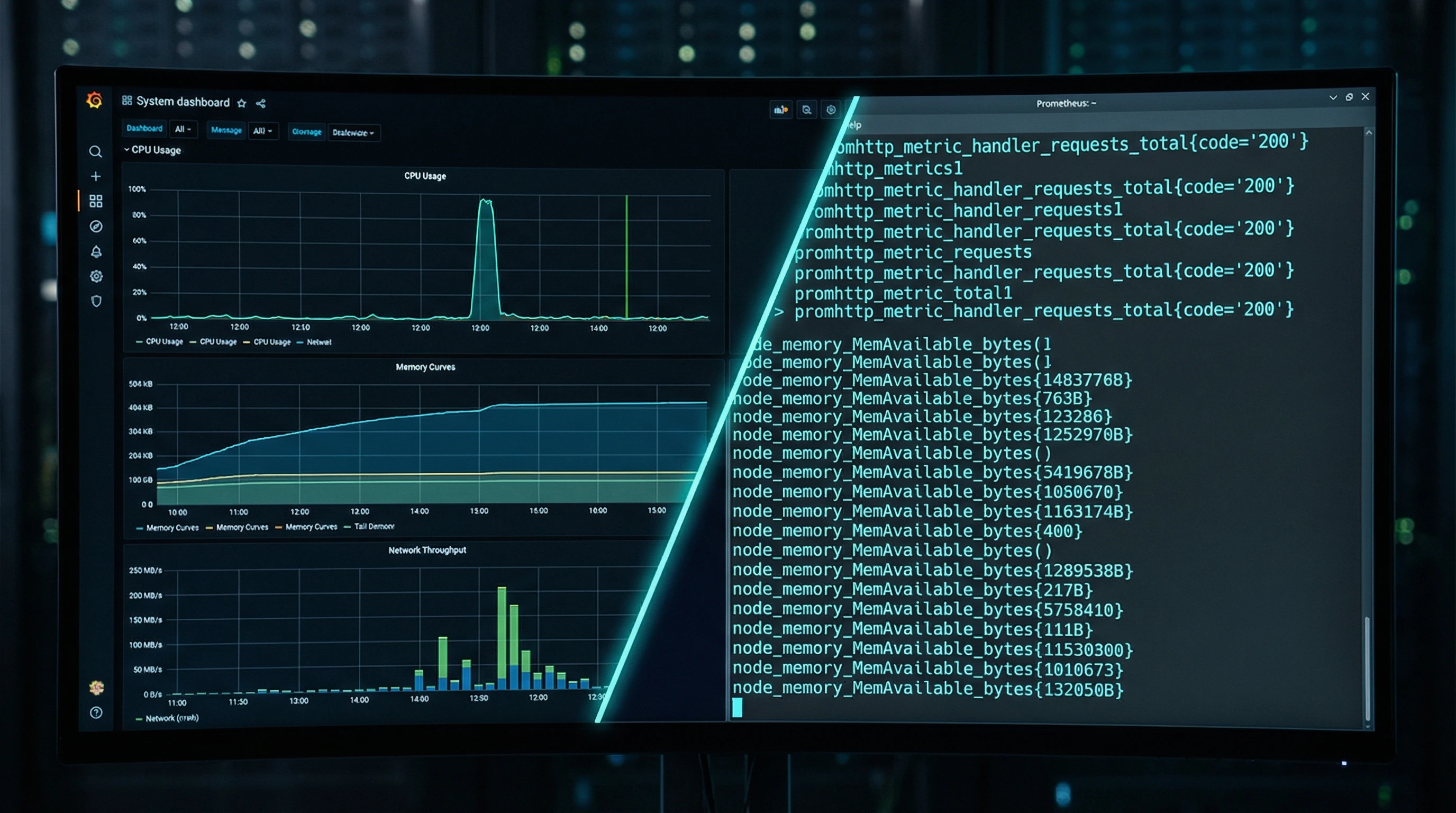
How to Monitor Your Homelab with Prometheus and Grafana
Prometheus scrapes metrics. Grafana makes them pretty. Together they give you dashboards that actually tell you what's happening on your homelab.
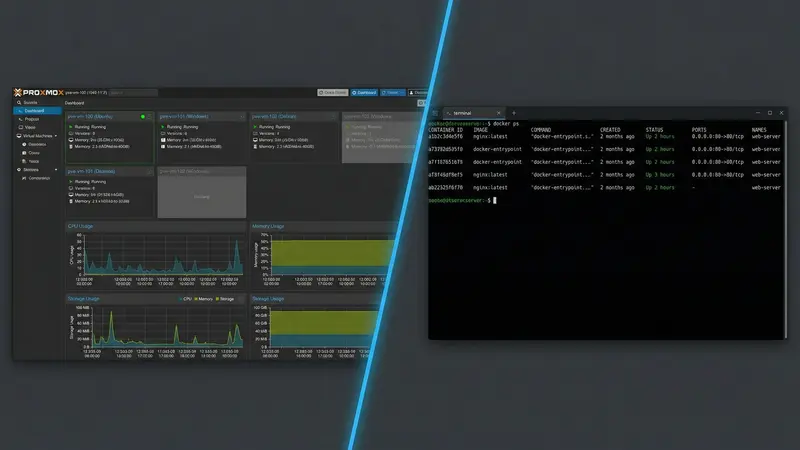
Docker vs Proxmox: Which Should Your Homelab Use?
Docker on bare metal vs Proxmox: a direct comparison of both approaches, when to pick each, and when running both on the same machine is the right call.
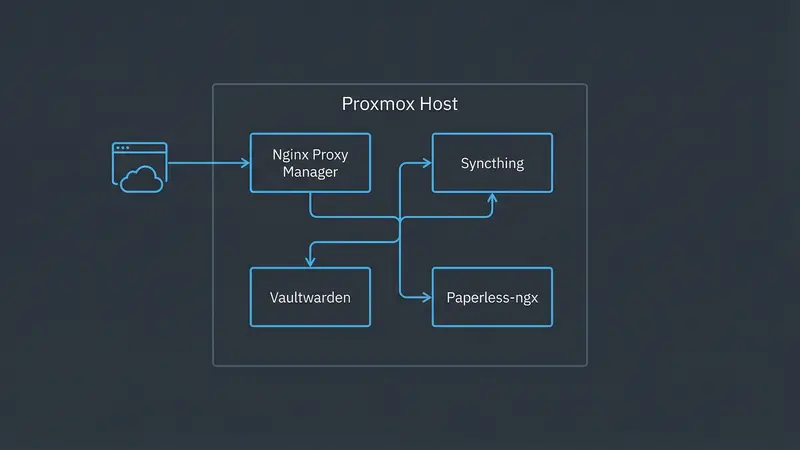
The Budget Homelab Starter Stack: 5 Services That Cover 90% of Your Needs
Skip the overwhelm. These five self-hosted services cover file sync, password management, reverse proxying, remote access, and document storage.